 Batch Photo StudioBatch editor
Amazon main images, Etsy listings, eBay photos — drop them in, pick a size, export the whole batch. Nothing is uploaded; it all runs on your computer.
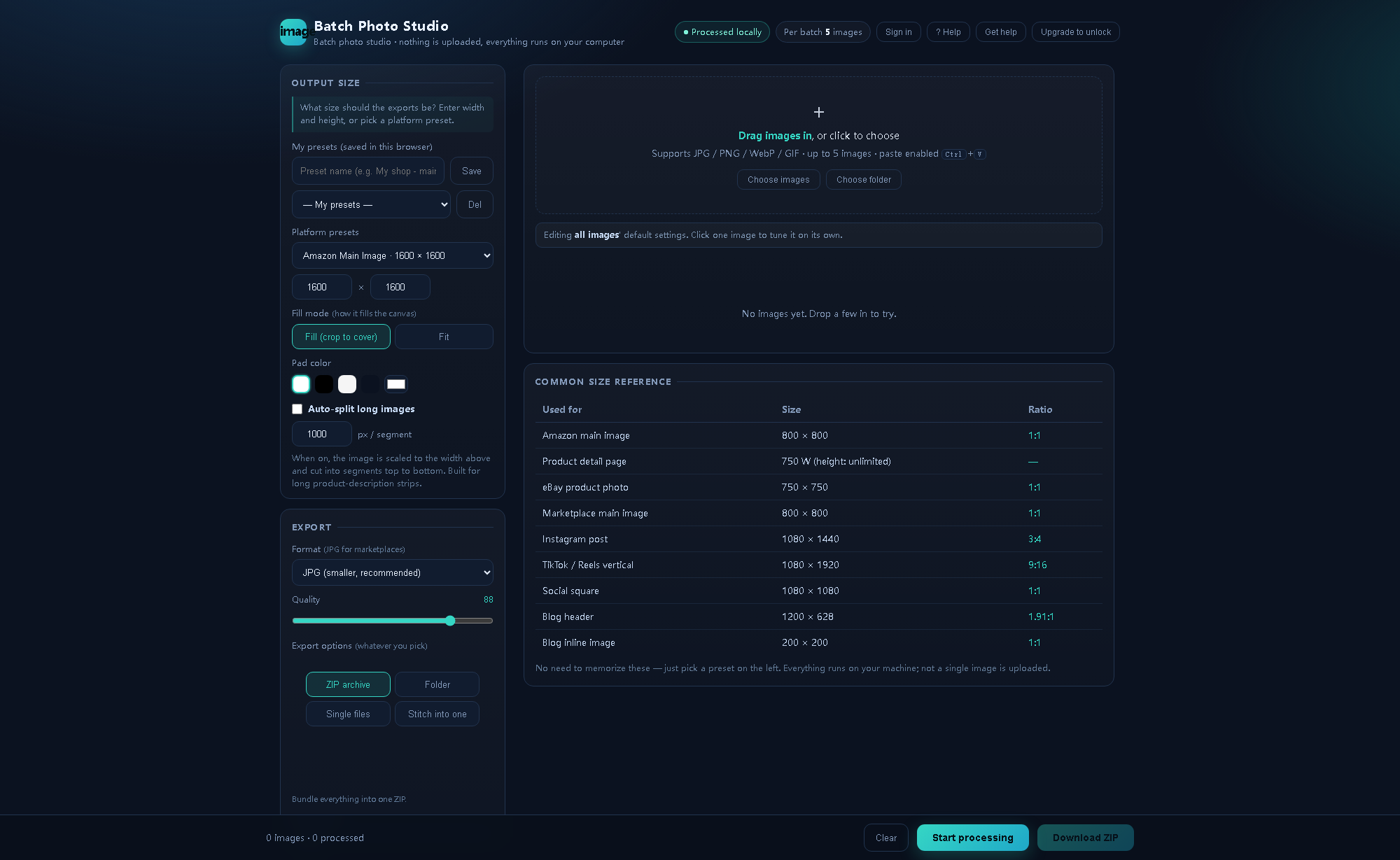
Pick a size on the left · drop images on the right · live preview below — no internet needed
Fifty images one at a time in Photoshop is an hour. Drop them here, click once — three minutes.
Everything runs in your browser. No server receives your images, no cloud storage, and it works offline.
Drop a whole folder in — sizes unified, names auto-numbered. No opening and saving one by one.
Watermarks, text, background removal, cropping, color grading and long-image splitting — all on one screen.
Describe the effect you want and let an AI build a component for you. Toggle it on — the original is untouched.
No tutorial needed — first-timers get it.
Drop images or an entire folder onto the dashed area — or just Ctrl+V.
Click a platform preset, or type your own width and height. Fill or Fit, your choice.
ZIP, folder, single files, or one stitched image — pick one of four.
Every marketplace wants something different from the same photo. Here are the exact numbers for each one, plus the mistakes that get listings suppressed.
2000×2000, pure white background, product filling 85%. Below 1000px the zoom feature disappears.
2000×2000 is safest. The gallery shows 4:3, search thumbnails crop to 1:1.
1600×1600 is the free-hosting threshold — anything larger eats into your allowance.
Upload 2048×2048 and let Shopify generate every other size.
Try it free first, buy once it clicks. One payment, offline forever.
Lifetime includes the offline pack with no limits · plans get a 3-day grace period, never a hard lock
Still stuck? Click Get help in the top-right corner of the editor.
Really. Every operation happens in your browser. The server only records how many images you used today — never the images, file names or dimensions. Unplug your network cable and it still works.
For repetitive work — resizing, uniform watermarks, batch renaming — this is far faster. For compositing, retouching and creative color grading you still want Photoshop. The two don't conflict.
Under 5 images a day it's plenty. For batch uploads or seasonal refreshes you'll want more — upgrade then.
No. One payment, yours forever, minor updates free. With the offline pack you don't even need our server — it keeps working with no internet.
Sign in with the same account to restore your plan. Lifetime covers 2 devices — contact support to free a slot.
No. There's a 3-day grace period after expiry; after that the account drops to the free tier (5 images/day) and you can renew any time.
Imports JPG, PNG, WebP and GIF; exports JPG, PNG and WebP.